
Quick answers
- How do I figure out why my Sub-Zero isn't cooling?
- Log both compartment temperatures and the setpoint every three to four hours for a full day. The shape of the data names the system: a steady rise means sealed system or condenser, a repeating up-and-down means damper, fan or defrost, and a normal display with a warm cabinet means the thermistor.
- What temperatures should a Sub-Zero hold?
- A Sub-Zero fresh-food compartment should sit near 38 degrees Fahrenheit and the freezer near zero. If your log shows the fresh-food side drifting into the mid-40s while the freezer holds zero, airflow is the suspect; if both compartments climb together, suspect the sealed system.
- Is it the thermistor or the compressor on my Sub-Zero?
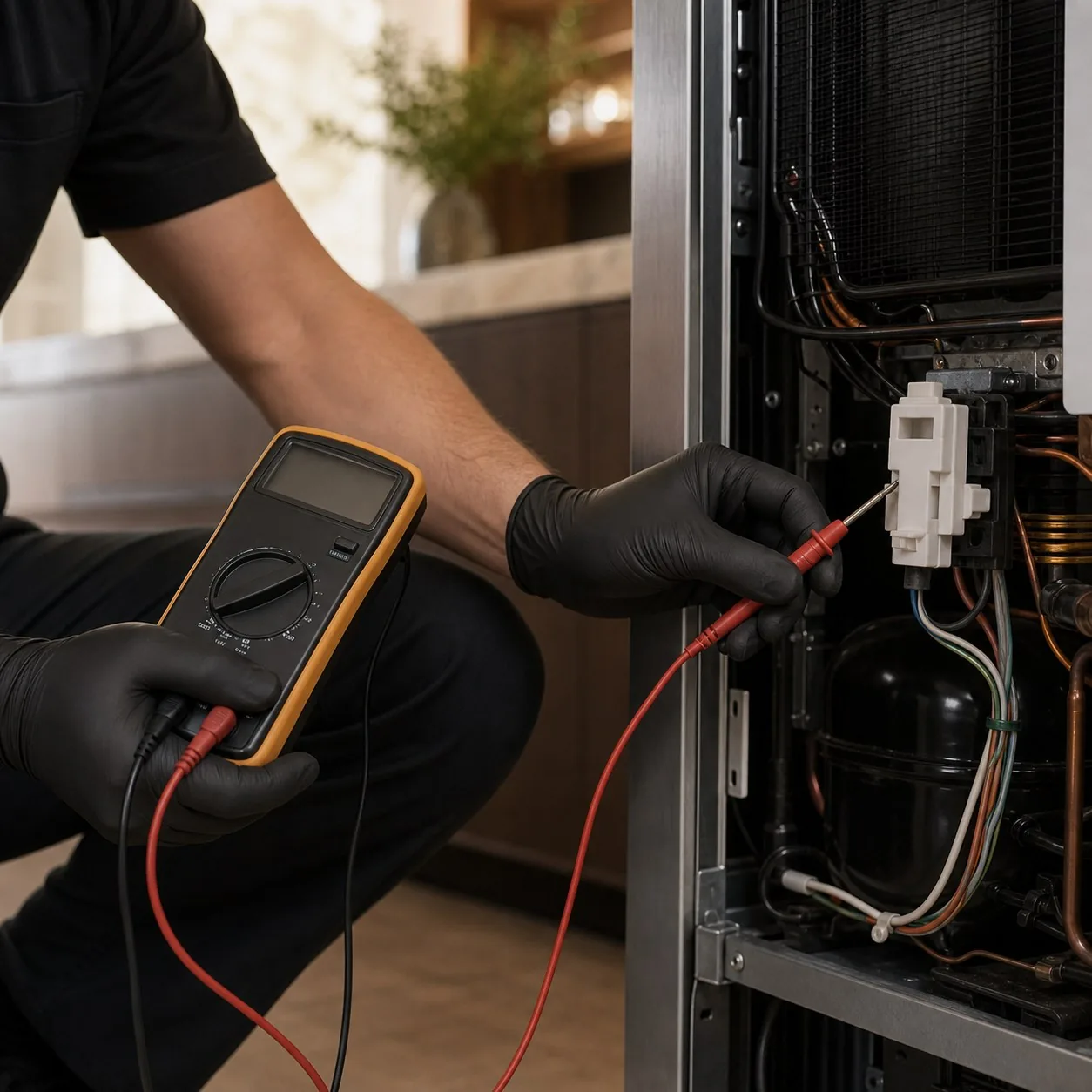
- Watch whether the display agrees with reality. If the panel reads 38 but a thermometer reads 50, the thermistor is feeding the board a false number and the compressor may never be asked to run. If both the display and a thermometer climb together, the compressor or sealed system is the likelier fault.
- Why does my Sub-Zero temperature swing up and down?
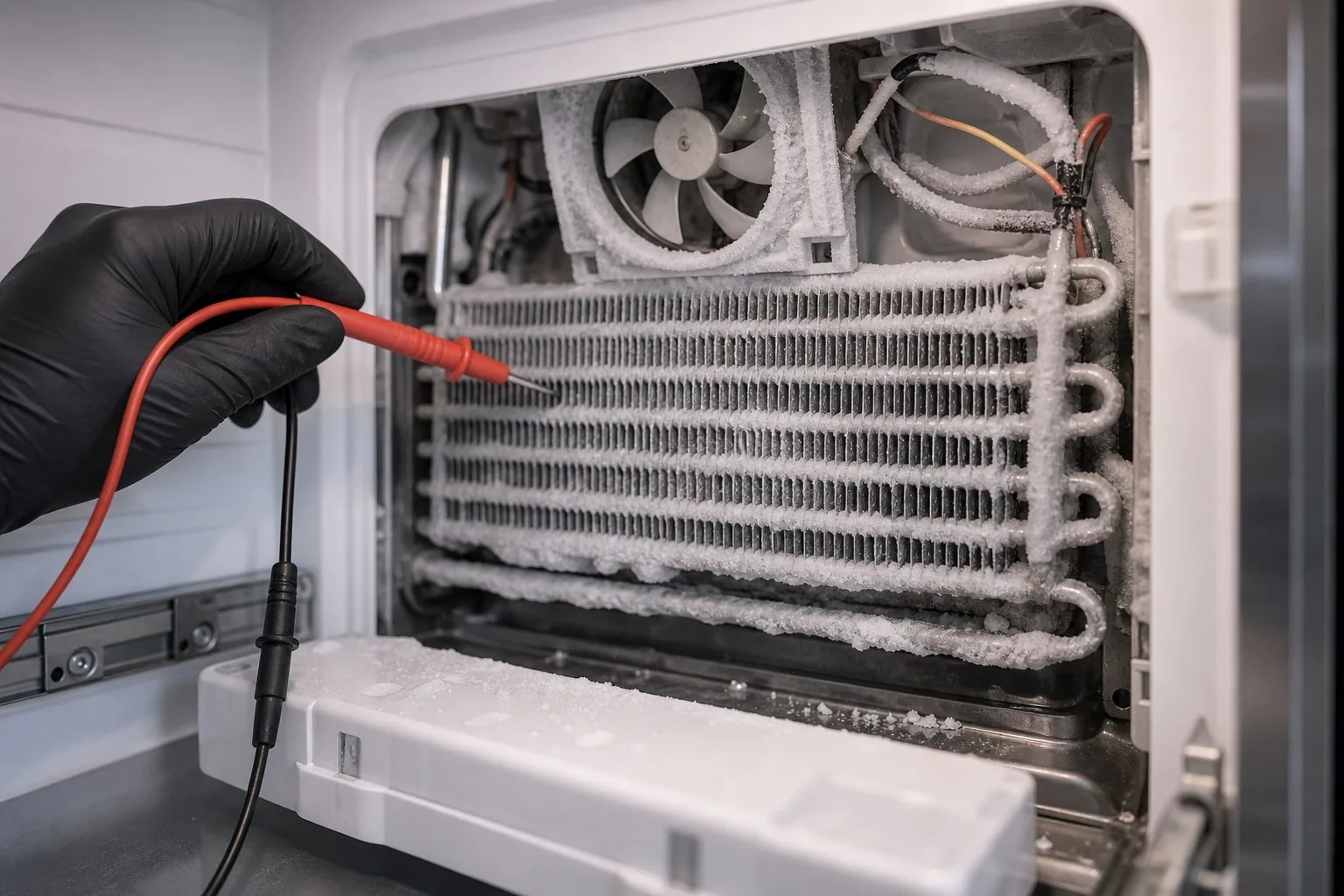
- A sawtooth pattern means cold is being made but not delivered steadily. A stuck damper, a stalling evaporator fan, or a defrost cycle that leaves frost on the coil all interrupt airflow, so the cabinet warms, then briefly recovers. The repeating swing is the fingerprint of an airflow fault, not a dead compressor.
How a visit works
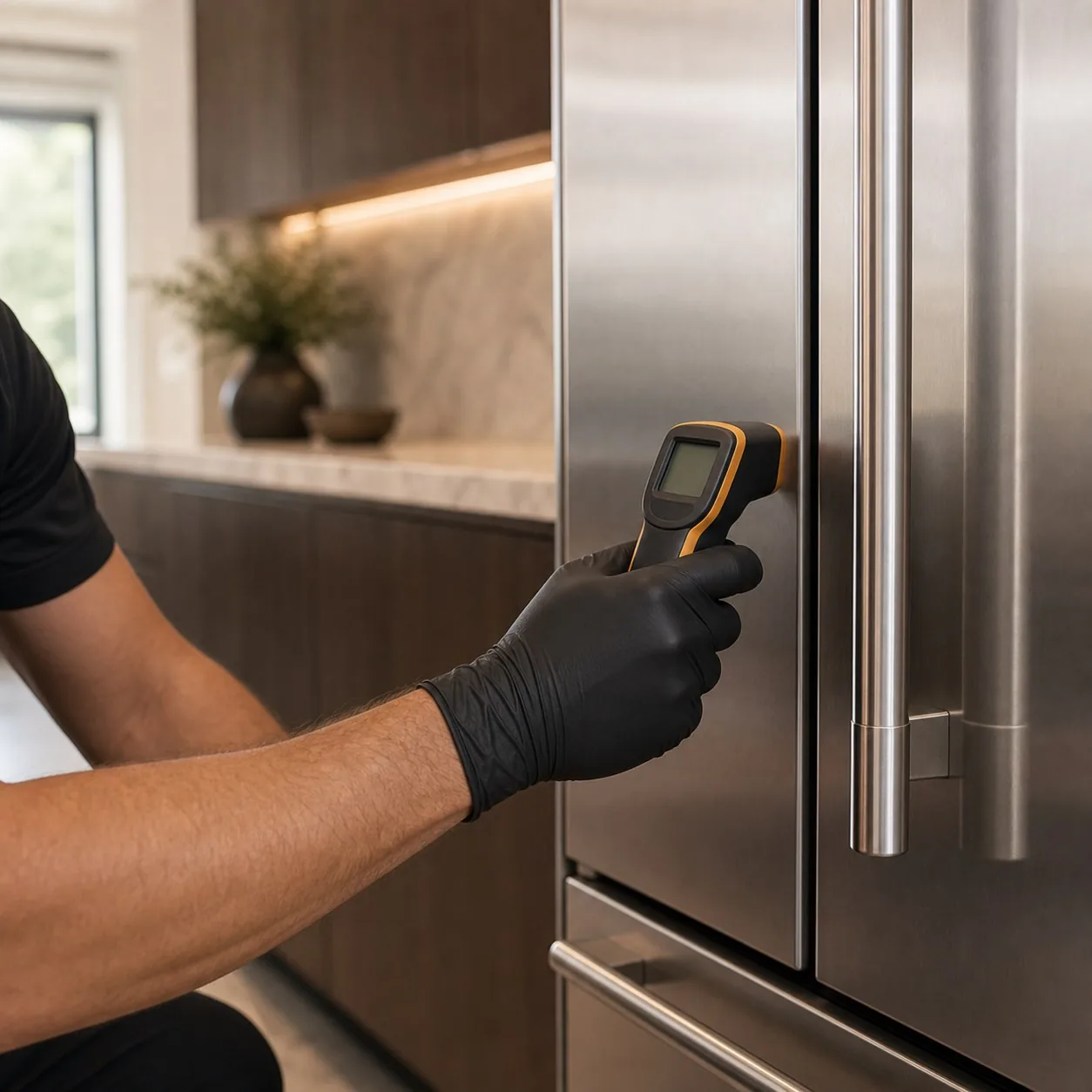
Why does a temperature log beat a guess?
A temperature log beats a guess because a Sub-Zero that “isn’t cooling” is one of the hardest calls to diagnose cold — four very different faults look identical from the kitchen. A 24-hour log of both compartments and the setpoint converts that vagueness into a shape — and the shape names the system. Built-in Sub-Zeros (BI-36, BI-42, BI-48 and the classic over-and-under cabinets) make cold in the freezer and deliver it to the fresh-food side through an evaporator fan and a damper, so the way the two compartments drift relative to each other is diagnostic on its own.
What does the temperature log pattern tell me?
The shape of the log names the failing system, which is what turns a vague not-cooling complaint into a specific repair:
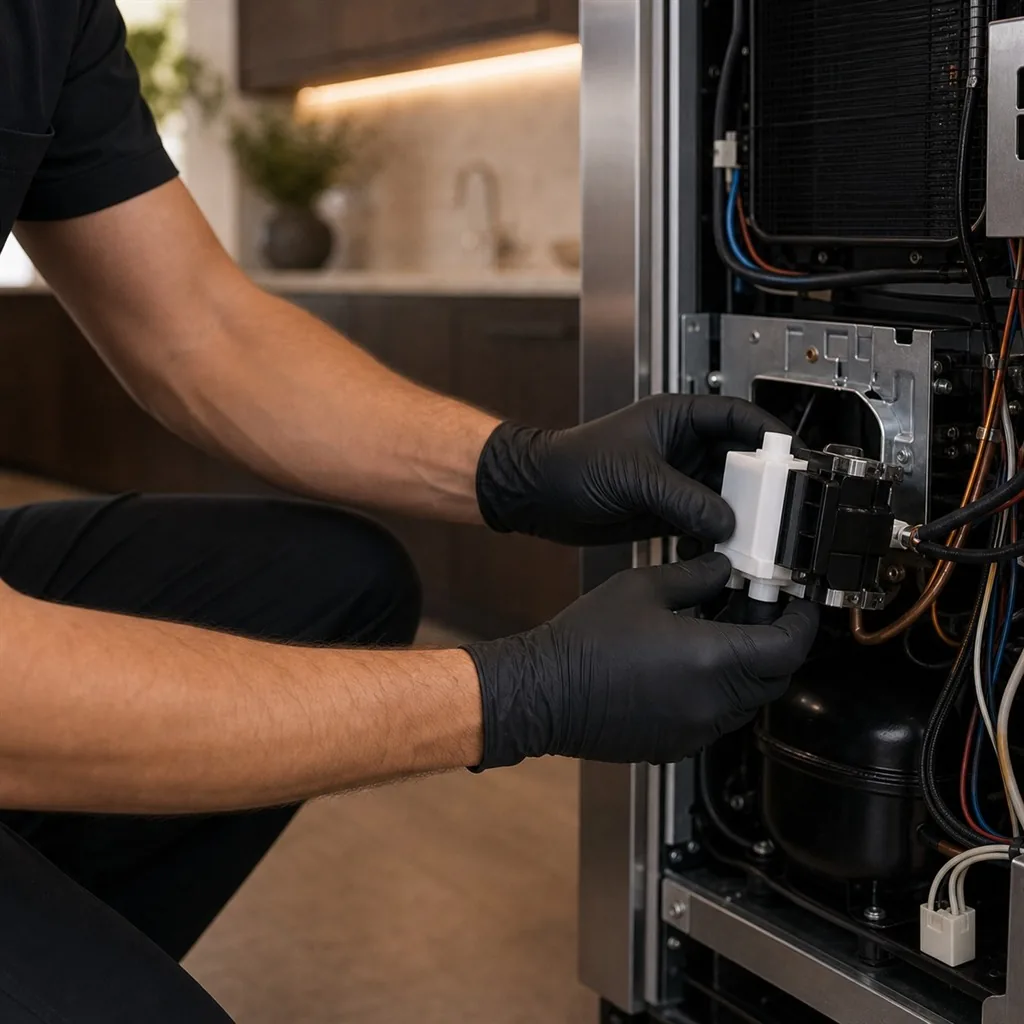
- Steady climb in both compartments — the unit is losing its ability to make cold. Suspect the sealed system (compressor, evaporator, refrigerant) or, far cheaper, a condenser choked with dust. A dead compressor loses the freezer too, which is why both lines rising together is the tell.
- Sawtooth swing — cold is being made but not delivered. A stuck damper, a stalling evaporator fan, or a defrost fault that leaves frost on the coil interrupts airflow, so the cabinet warms, recovers, and warms again on a repeating cycle.
- Display normal but cabinet warm — the panel reads 38 while a thermometer reads 50. The board is being fed a false number by a drifted thermistor and may never command the system to run.
| Log pattern | Likely cause | What we do |
|---|---|---|
| Steady climb in both compartments | Condenser choked with dust, or a failing sealed system | Clean and re-log first; gauge and amp-test the sealed loop if it persists |
| Sawtooth swing (warms, recovers, warms) | Stuck damper, stalling evaporator fan, or defrost fault | Trace the airflow path and replace the OEM fan, damper or defrost part |
| Display normal but cabinet warm | Drifted thermistor feeding the board a false number | Verify against an independent thermometer and replace the sensor |
Thermistor vs. compressor: the decision
The cleanest fork is whether the display agrees with a real thermometer. If they disagree, the thermistor is lying to the board and a relatively inexpensive sensor is the likely fix. If the display and the thermometer climb together, the board knows it is warm and is calling for cooling that never arrives — pointing at the compressor or sealed system, the high-value category that on Sub-Zero may fall under the 12-year manufacturer warranty worth verifying first. If the panel is instead showing a service indicator, our Sub-Zero error code guide explains why most of those still trace back to a condenser before anything sealed.
Why Bay Area conditions shape the log
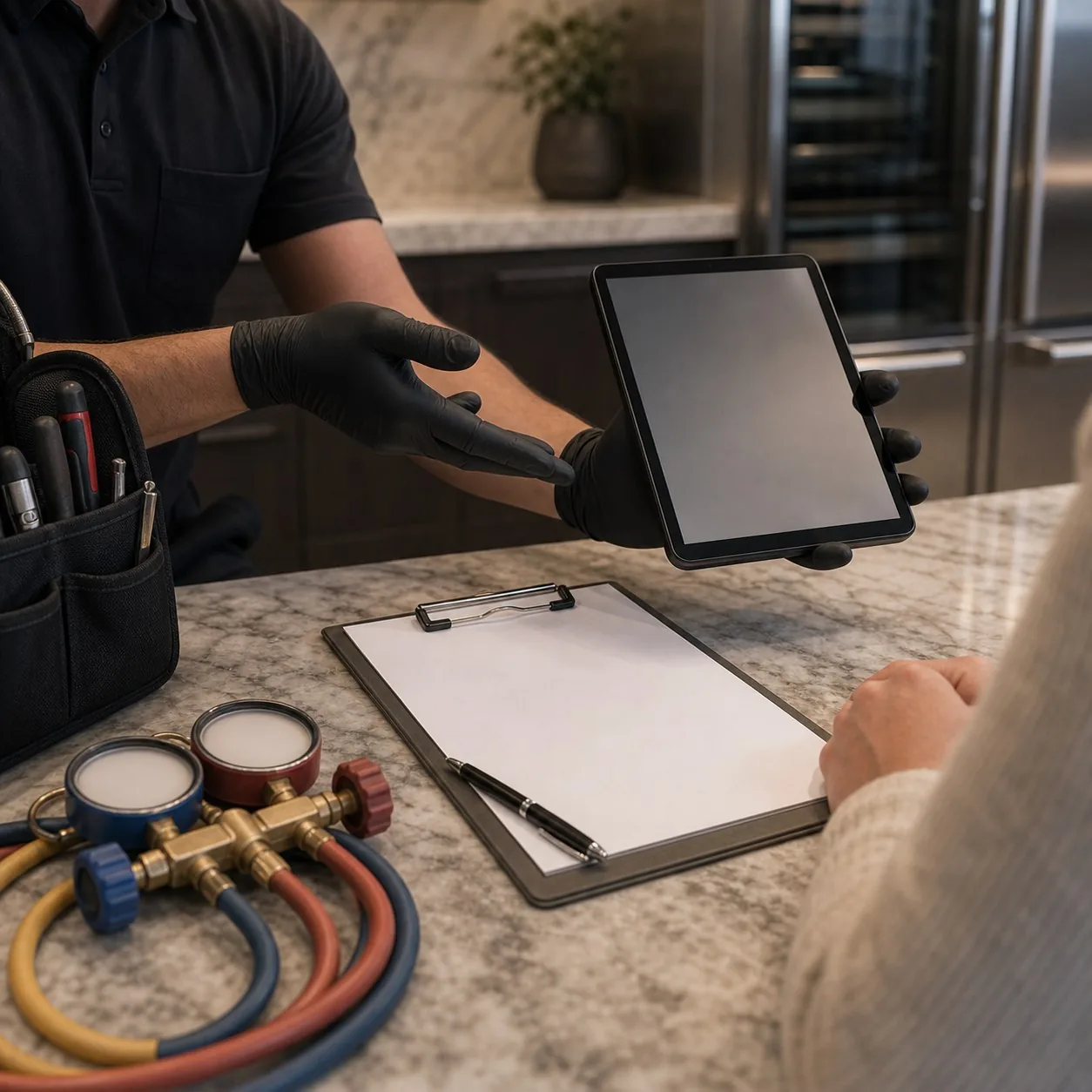
Where the refrigerator lives changes what the log shows. In the Tri-Valley and inland East Bay, summer kitchens sit at 90–100°F, so a dirty condenser produces a steady climb that mimics a sealed- system failure — clean the coil and re-log before assuming the worst. Wildfire-season ash packs that same front grille within weeks. Near the coast and the fog line, salt-laden air corrodes evaporator fan bearings, so a stalling fan and its sawtooth pattern turn up more often on Peninsula and Marin units. Hard water across the region scales the defrost circuit, accelerating the frost-driven swing. On gated, hillside and white-glove estate kitchens, a 24-hour log we read before arriving means we carry the genuine OEM parts matched to the rating plate and finish the repair in a single visit. Sharing the log up front is also what lets us quote the right line from our Sub-Zero repair cost bands before the technician is even at the door.
How to run a 24-hour Sub-Zero temperature log
- Place two thermometersPut one wireless or dial thermometer mid-shelf in the fresh-food compartment and one in the freezer. Avoid the door and the back wall so you read cabinet air, not the coil or warm gasket area.
- Record the starting pointNote the time, both thermometer readings, and the displayed setpoint for each compartment. This is your baseline — write it down rather than trusting memory.
- Read every three to four hoursLog both compartments and the setpoint at each interval through the day. Keep the doors closed otherwise so a warm cabinet reflects the fault, not your testing.
- Capture an overnight readingTake one reading late and one first thing in the morning. The overnight window is quiet and cool, so a unit that still warms then has a real system fault, not just door traffic.
- Never change the setpoint mid-logLeave the setpoint fixed for the full 24 hours. Adjusting it resets the trend and erases the pattern that identifies which system is failing.
- Read the pattern and book the repairSteady climb means sealed system or condenser; sawtooth means damper, fan or defrost; normal display but warm cabinet means thermistor. Share the log when you book so the right parts arrive.
What makes a log a technician can actually use
- Two thermometers — one mid-shelf in fresh food, one in the freezer
- Both readings plus the displayed setpoint at every interval
- Readings every three to four hours for a full day
- At least one overnight and one early-morning entry
- Setpoint left untouched for the entire 24 hours
- A note on whether the display and a real thermometer agree
Frequently asked questions
How do I figure out why my Sub-Zero isn't cooling?
Log both compartment temperatures and the setpoint every three to four hours for a full day. The shape of the data names the system: a steady rise means sealed system or condenser, a repeating up-and-down means damper, fan or defrost, and a normal display with a warm cabinet means the thermistor.
What temperatures should a Sub-Zero hold?
A Sub-Zero fresh-food compartment should sit near 38 degrees Fahrenheit and the freezer near zero. If your log shows the fresh-food side drifting into the mid-40s while the freezer holds zero, airflow is the suspect; if both compartments climb together, suspect the sealed system.
Is it the thermistor or the compressor on my Sub-Zero?
Watch whether the display agrees with reality. If the panel reads 38 but a thermometer reads 50, the thermistor is feeding the board a false number and the compressor may never be asked to run. If both the display and a thermometer climb together, the compressor or sealed system is the likelier fault.
Why does my Sub-Zero temperature swing up and down?
A sawtooth pattern means cold is being made but not delivered steadily. A stuck damper, a stalling evaporator fan, or a defrost cycle that leaves frost on the coil all interrupt airflow, so the cabinet warms, then briefly recovers. The repeating swing is the fingerprint of an airflow fault, not a dead compressor.
Should I change the Sub-Zero setpoint while testing?
No. Changing the setpoint mid-log resets the comparison and hides the trend you are trying to read. Pick a normal setpoint, leave it alone for the full 24 hours, and only adjust after the log is complete and a technician has read the pattern.
How long should I run a temperature log before calling for service?
Run it a full 24 hours, including one overnight reading, after cleaning the condenser. A day captures every defrost cycle and the daily heat load of a Bay Area kitchen. A complete log lets a technician load the truck for the actual fault and finish in one estate visit.
What clients say
4.9 · 327 reviews
They walked me through running a 24-hour temperature log with two thermometers before booking. My data showed a steady climb in both compartments, which they read as the condenser, not the sealed system. Sure enough, a wildfire-ash-choked coil was the cause, and a cleaning saved a huge bill.
My log showed a sawtooth swing, warming then briefly recovering on a repeating cycle. The technician said that pattern points to airflow, not a dead compressor, and arrived with the right parts. A stalling evaporator fan was the culprit. Reading the log beforehand meant one trip, not two.
The display read 38 but my thermometer read 50, so the temperature log flagged a drifted thermistor feeding the board a false number. He confirmed it on site and replaced the sensor rather than chasing the compressor. Clear, methodical, and a fair written price; scheduling took a few days.